Andrew Schwartz / 2026-06-24 / 4 min read
Map Your Idea Before You Build It
A working method for turning a rough business idea into words, diagrams, and fake product screens before any of it becomes software.
Most software projects that go badly did not go badly because of the code.
They went badly because nobody could say clearly what was being built, so the answer got decided one commit at a time by whoever was typing. Six weeks in, everyone discovers they had been imagining different products.
The usual advice is to write a specification. In practice, few people do, because a document with headings like "Functional Requirements" is unpleasant to write and worse to read. So the idea stays in someone's head, where it feels complete — and where it will keep feeling complete right up until it meets reality.
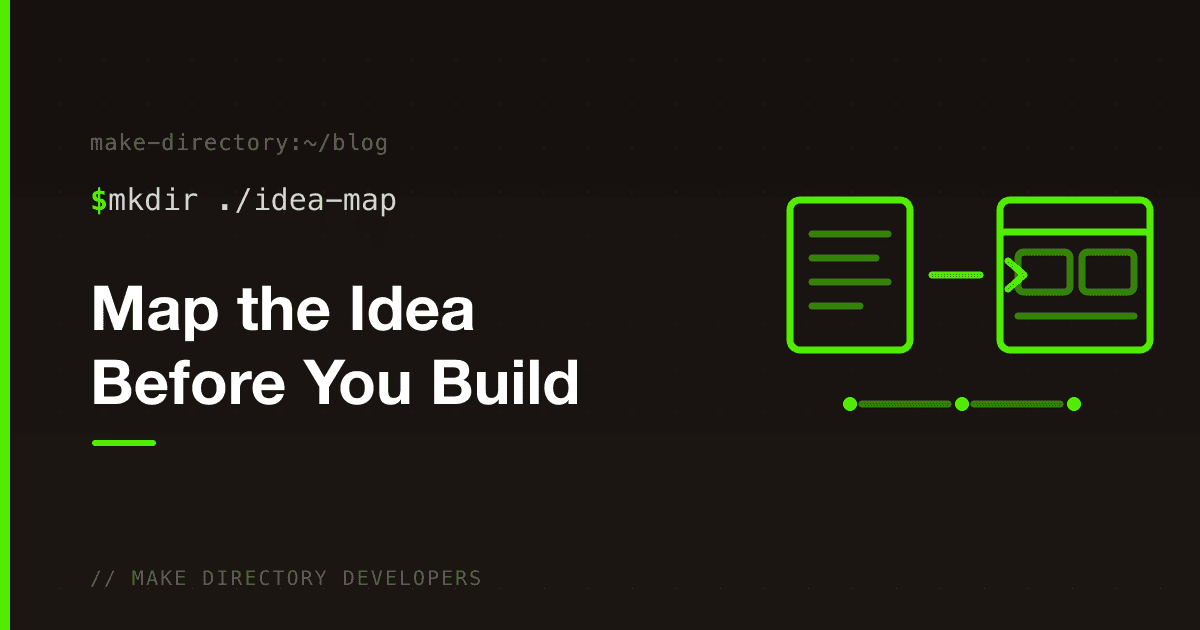
There is a middle path that works better than either: build a small site that exists only to hold the idea.
What that means
Not the product. A static website that acts as a living notebook for what you are thinking:
- The problem in plain language
- Who has it, specifically
- Diagrams of how the work flows today and how it might flow instead
- Fake screens, with fake data, that you can look at
- A running list of the questions you cannot answer yet
- A parking lot for every good idea that is not Version 1
Nothing works. Buttons are decorative. Forms save nothing. That is the point — it costs an afternoon to throw away, so you will throw it away, and you will keep throwing it away until the concept holds together.
Why fake screens change the conversation
An idea described in paragraphs gets nodded at. An idea rendered as a screen gets argued with.
Put a fake dashboard in front of someone with realistic sample content — a real-sounding customer name, a job in progress, a revenue number — and the questions arrive immediately. Why is that there? Where do I click to fix it? Who is allowed to see this? What happens after I press this?
Those questions are the actual product work. Getting them early, from a page that took twenty minutes to fake, is enormously cheaper than getting them late from software that took a quarter to build.
Why the questions page matters most
Every planning exercise produces confident statements. The more valuable output is the list of things you do not know.
- Who creates the account, and who pays?
- Can employees see every customer?
- What happens when a job is cancelled?
- What happens when an employee leaves?
- What would make someone abandon the system they already use?
Written down, these become a work list. Left unwritten, they become assumptions — and assumptions get built into software silently, where they are expensive to remove later.
The tools are deliberately boring
The guide below uses Docusaurus for the site, Markdown and Mermaid for the content, Claude Code for the mechanical work, and GitHub for history. You describe what you are trying to express; the tooling handles the pages, the diagrams, and the fake screens. You do not need to know React, and you should not learn it for this.
One boundary is worth holding. When the tooling starts proposing databases, APIs, authentication, or deployment architecture, push back: this is still an idea map, so fake it visually unless the technical detail is genuinely needed to explain the idea. The moment real infrastructure appears, changing your mind gets expensive — and changing your mind is the whole exercise.
The order that works
- Words. One sentence:
I want to build ____ for ____ so they can ____. - Flows. How the work happens now, and how it would happen instead.
- Screens. Fake, with realistic content.
- Questions. Everything you had to guess at to draw the screens.
- Clarity. Version 1 becomes obvious, and it is smaller than you expected.
A good first weekend gets you all five, plus a Later list. At that point you have built nothing — and you understand what you are trying to build far better than if you had spent the same weekend writing code.
Get the guide
Download the Idea Mapping Starter Guide — the full method, with the setup commands, the starter prompt to paste into Claude Code, the site structure, a command cheat sheet, and a Windows quick start.
If your idea map reaches the point where it needs to become real software, tell us what you are trying to build and we will tell you what it would take.

Andrew is the founder and principal engineer at Make Directory Developers. He works where business operations meet software engineering, and spends most of his time inside systems other people built.